Chigee CGRC CAN Wonder Wheel Control for BMW Models

£73.99

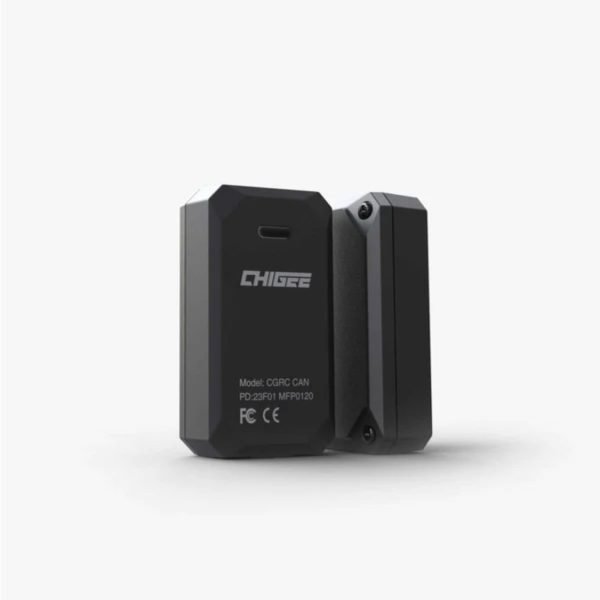
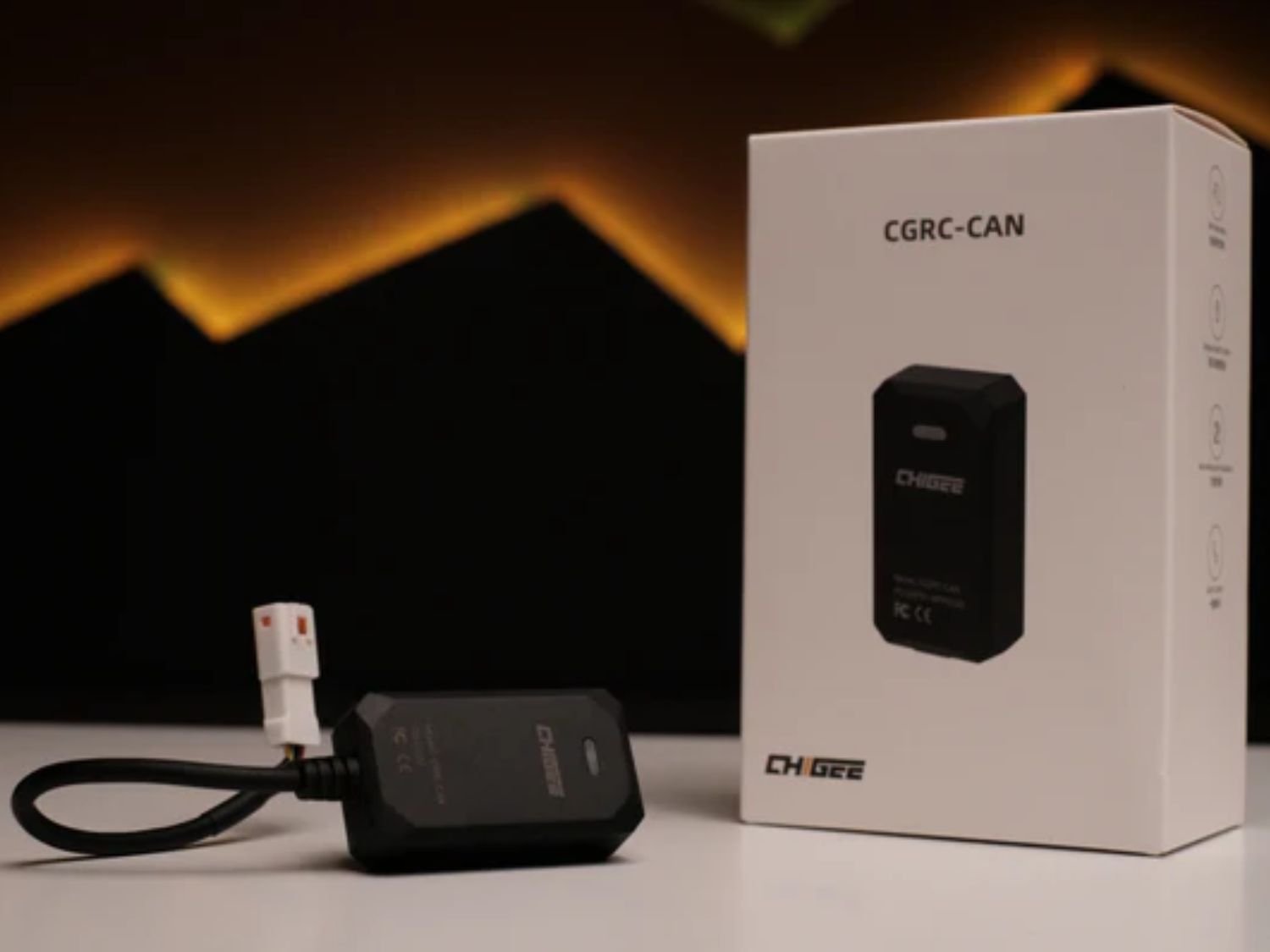
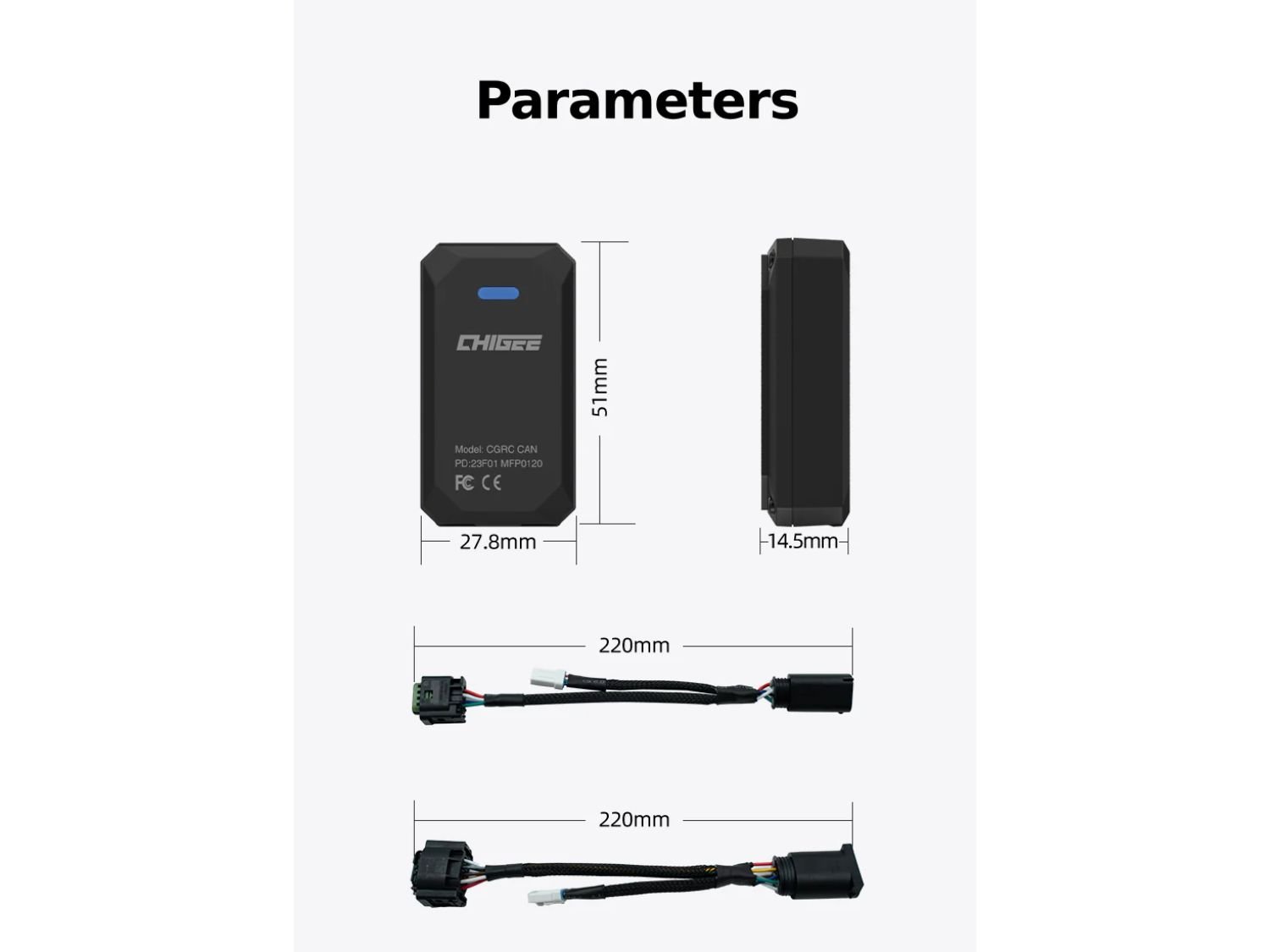
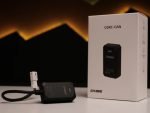
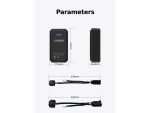
The Chigee CGRC CAN BMW Wonder Wheel Control Module lets you use your BMW’s existing Wonder Wheel to navigate your Chigee display. It plugs in directly via the DWA or RDC module for a seamless ride-ready integration. Choose between 4-pin, 6-pin or 8-pin connectors, depending on your BMW model. Available for BMW GS/GSA-Series, C/F/S/R/K-Series and the R1300GS.

Description
Take cockpit integration to the next level with the Chigee CGRC CAN BMW Wonder Wheel Control Module. This clever interface allows you to control your Chigee display using your bike’s original BMW Wonder Wheel, keeping your hands safely on the bars and your setup clean.

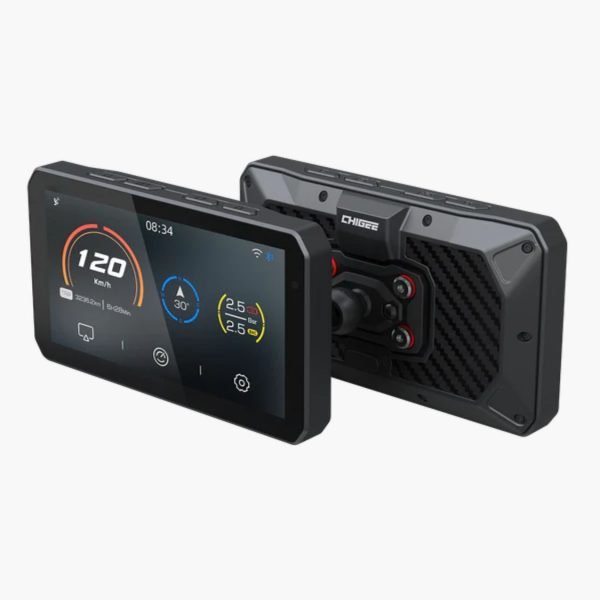
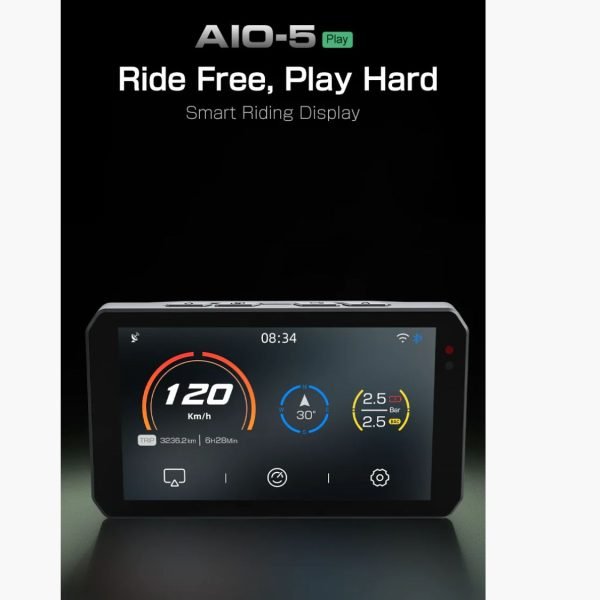
The CGRC CAN connects via your bike’s DWA or RDC plug, depending on your model. Once fitted, your Wonder Wheel becomes your display controller, letting you switch menus, change views and adjust settings without an extra remote.

For those, who’ve always wondered what RDC and DWA actually really mean, here’s a little German lesson for you: RDC stands for “Reifendruckkontrolle”, means Tyre Pressure Control (or Tire, if you’re not around from these parts), and DWA stands for “Diebstahlwarnanlage”, which means Theft Alarm System.

Setting up / Installation

Setting up the Chigee CGRC CAN BMW Wonder Wheel Control is straightforward.
You only need to connect the module to one of your bike’s existing interfaces:

Connection Options:

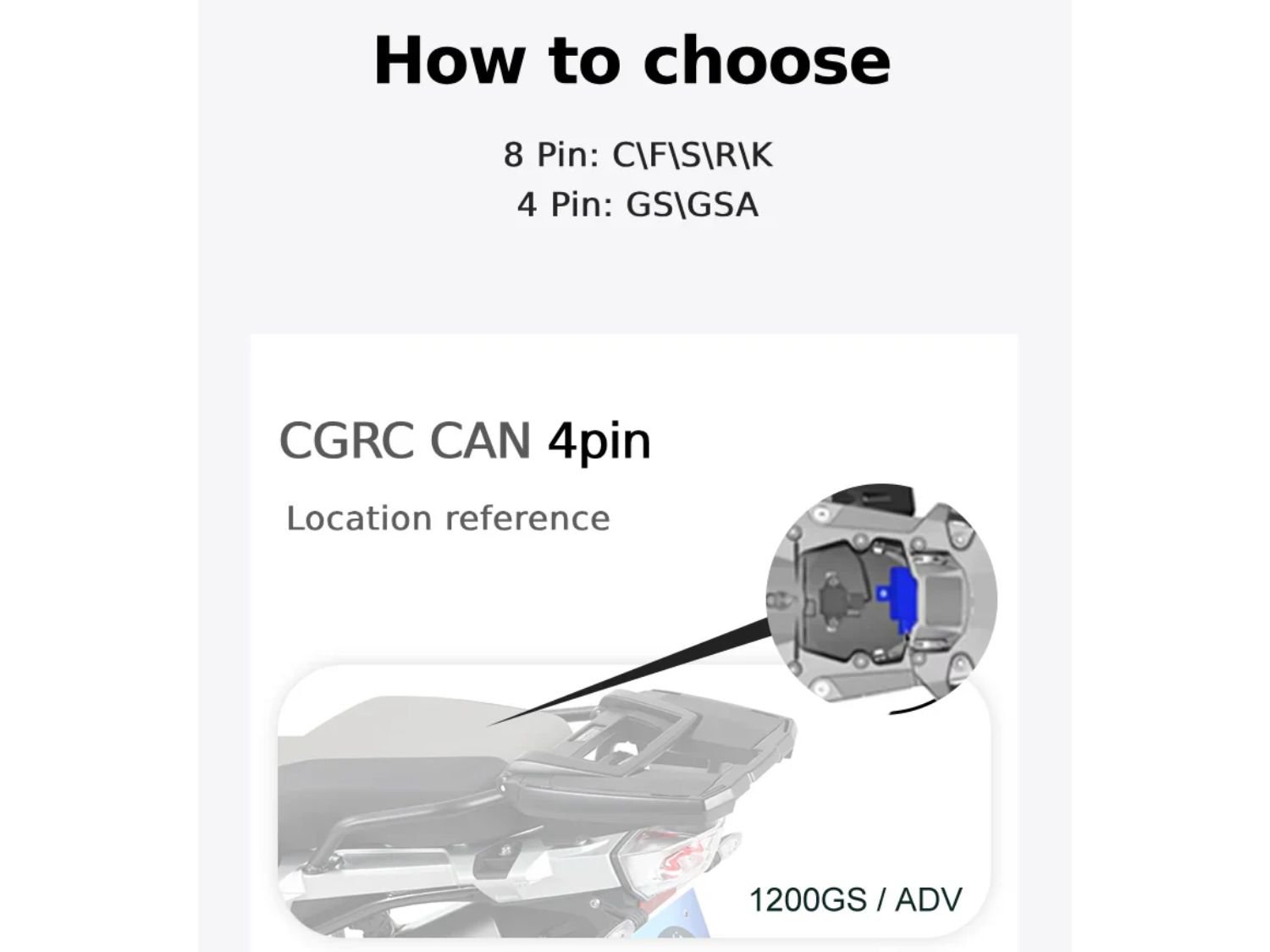
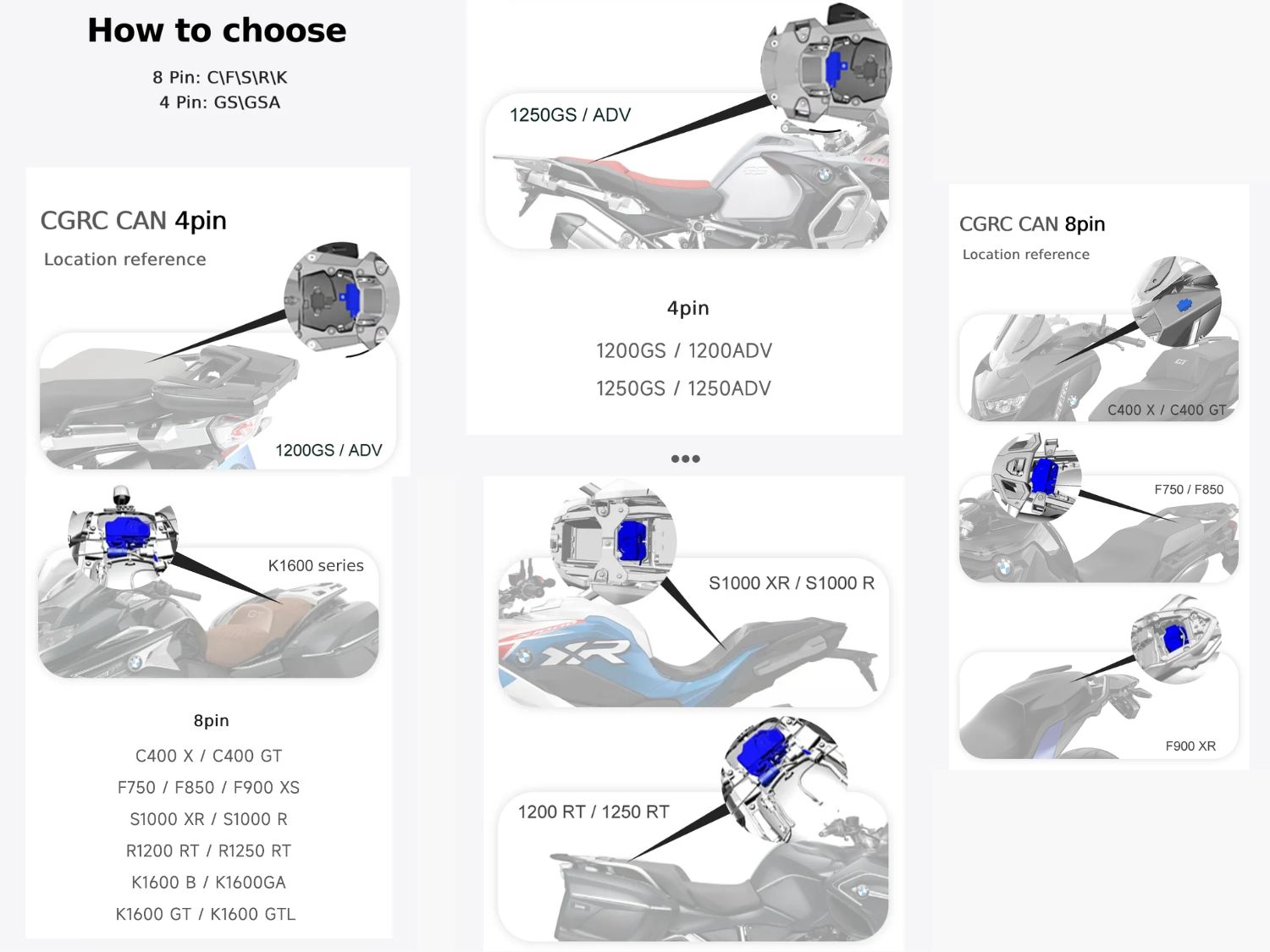
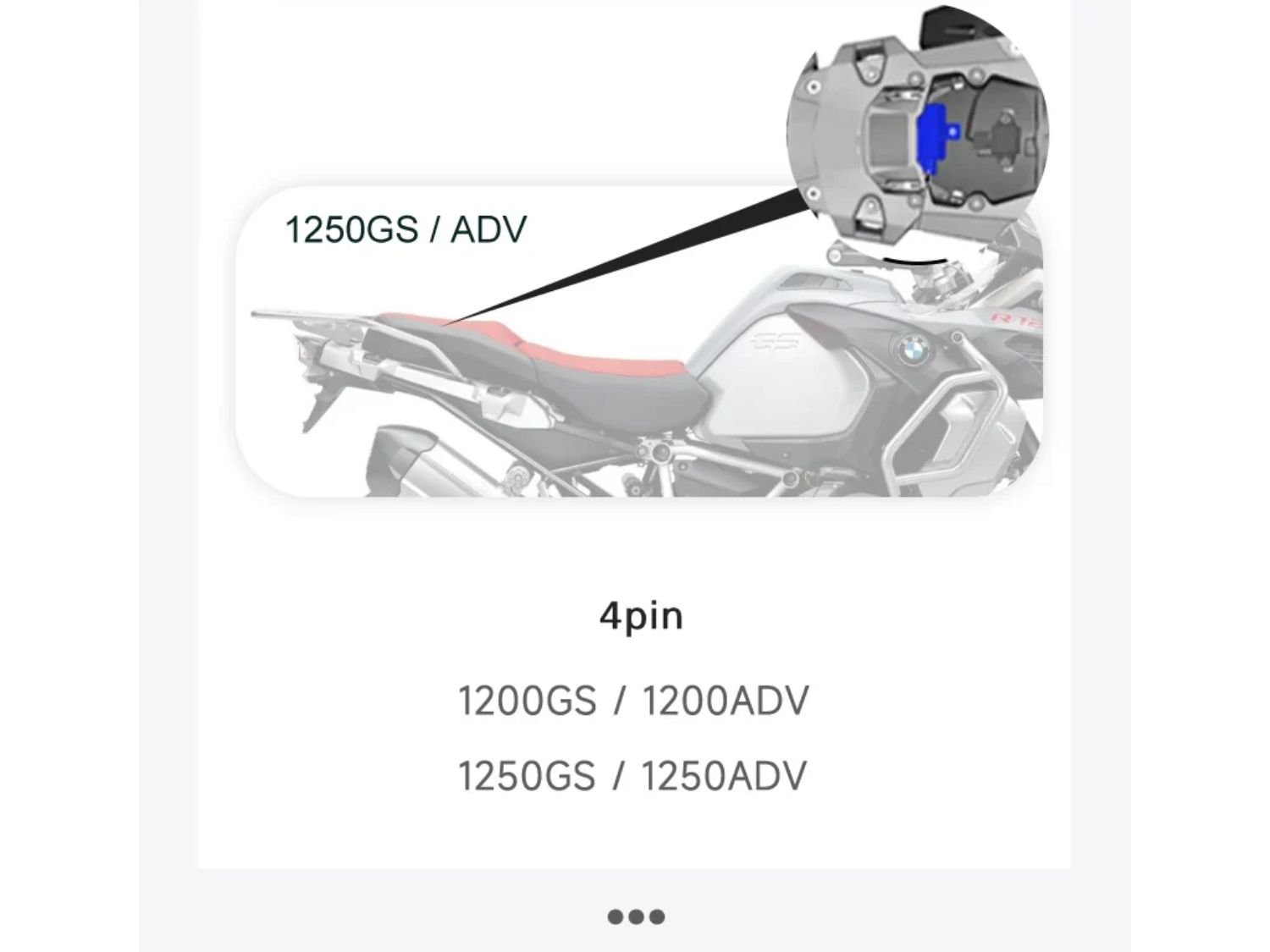
  • 4-Pin Port (RDC Module): usually handles tyre pressure monitoring.
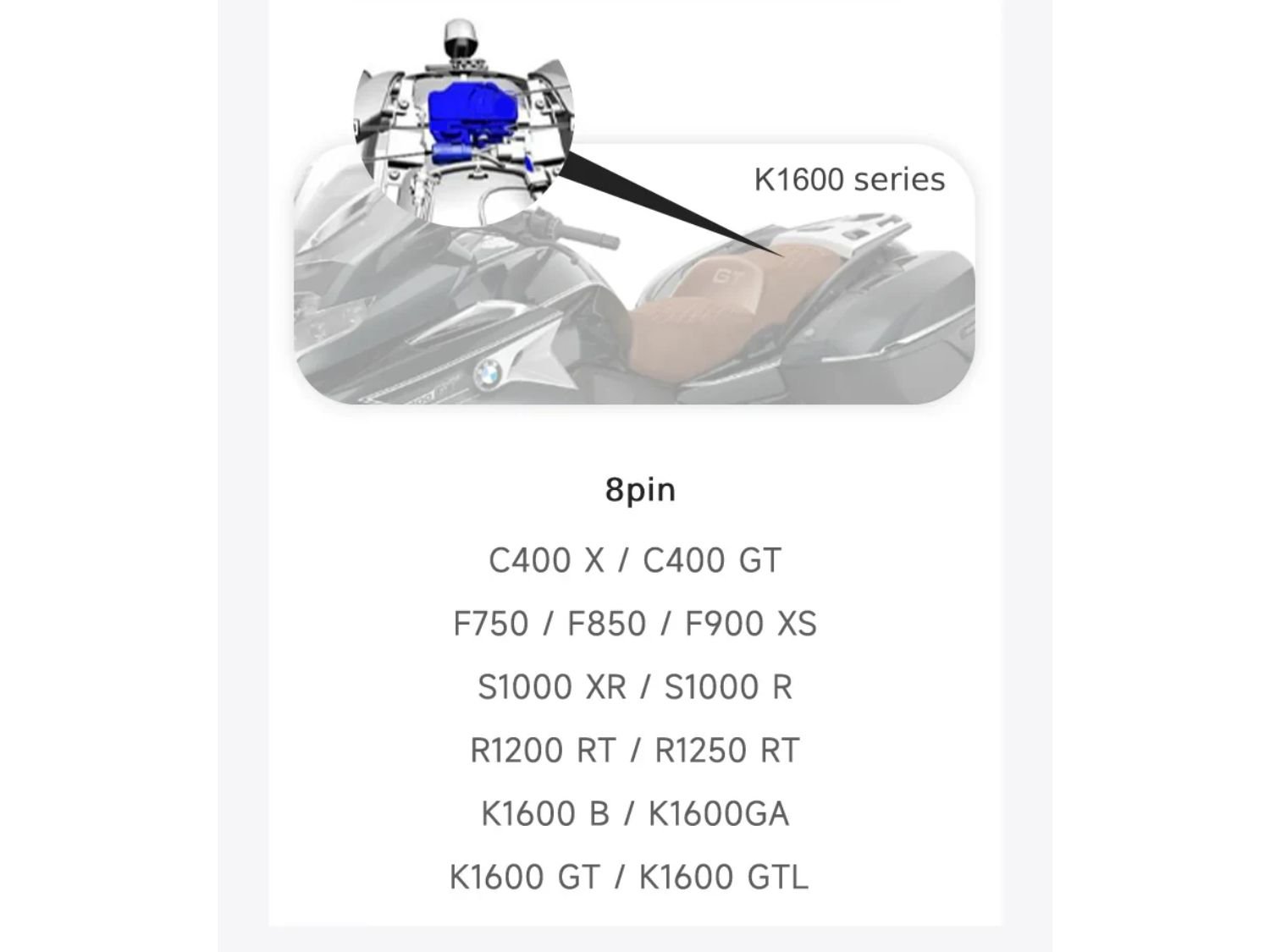
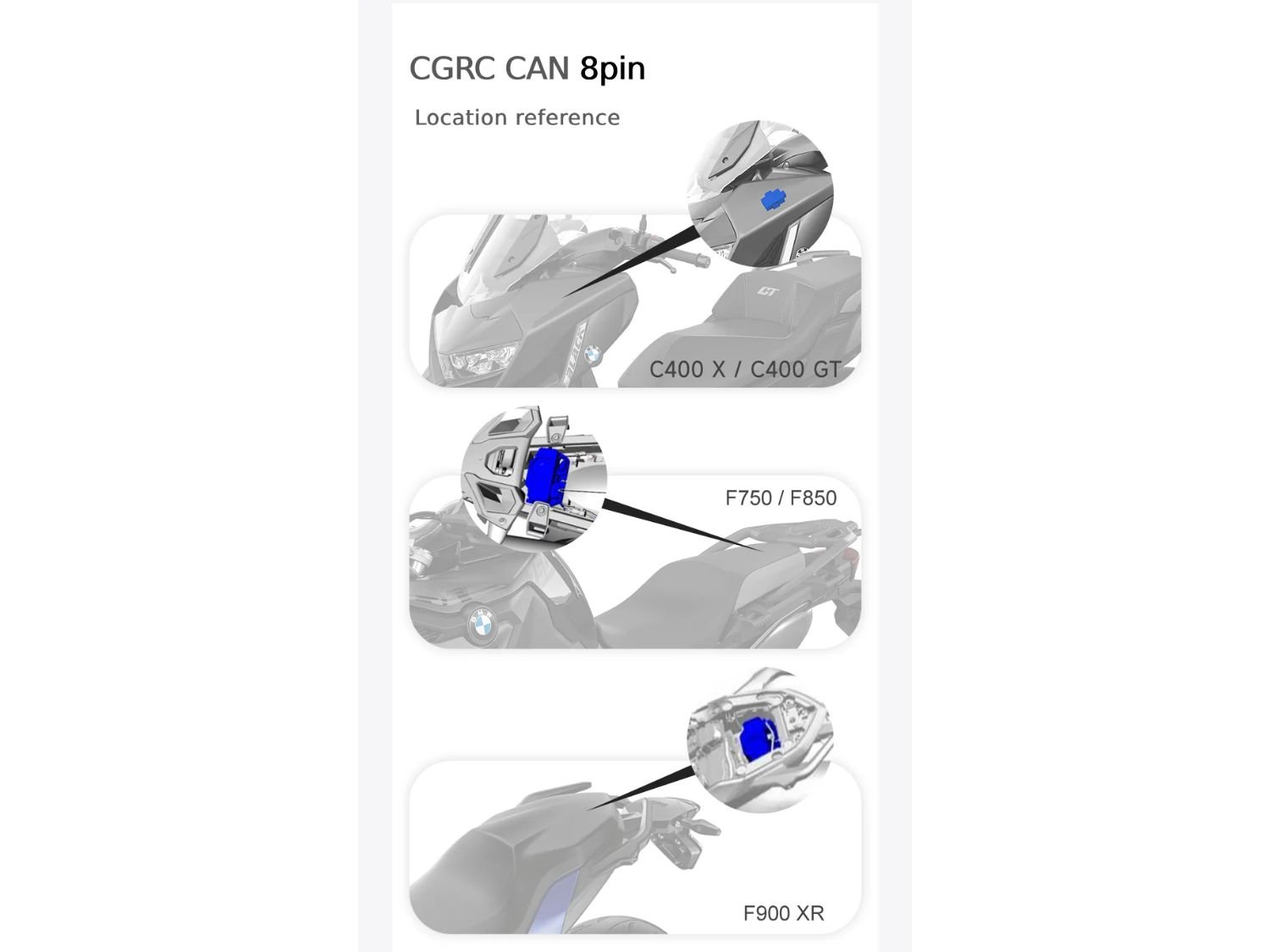
  • 6-Pin and 8-Pin Ports (DWA Modules): used for the anti-theft alarm system.

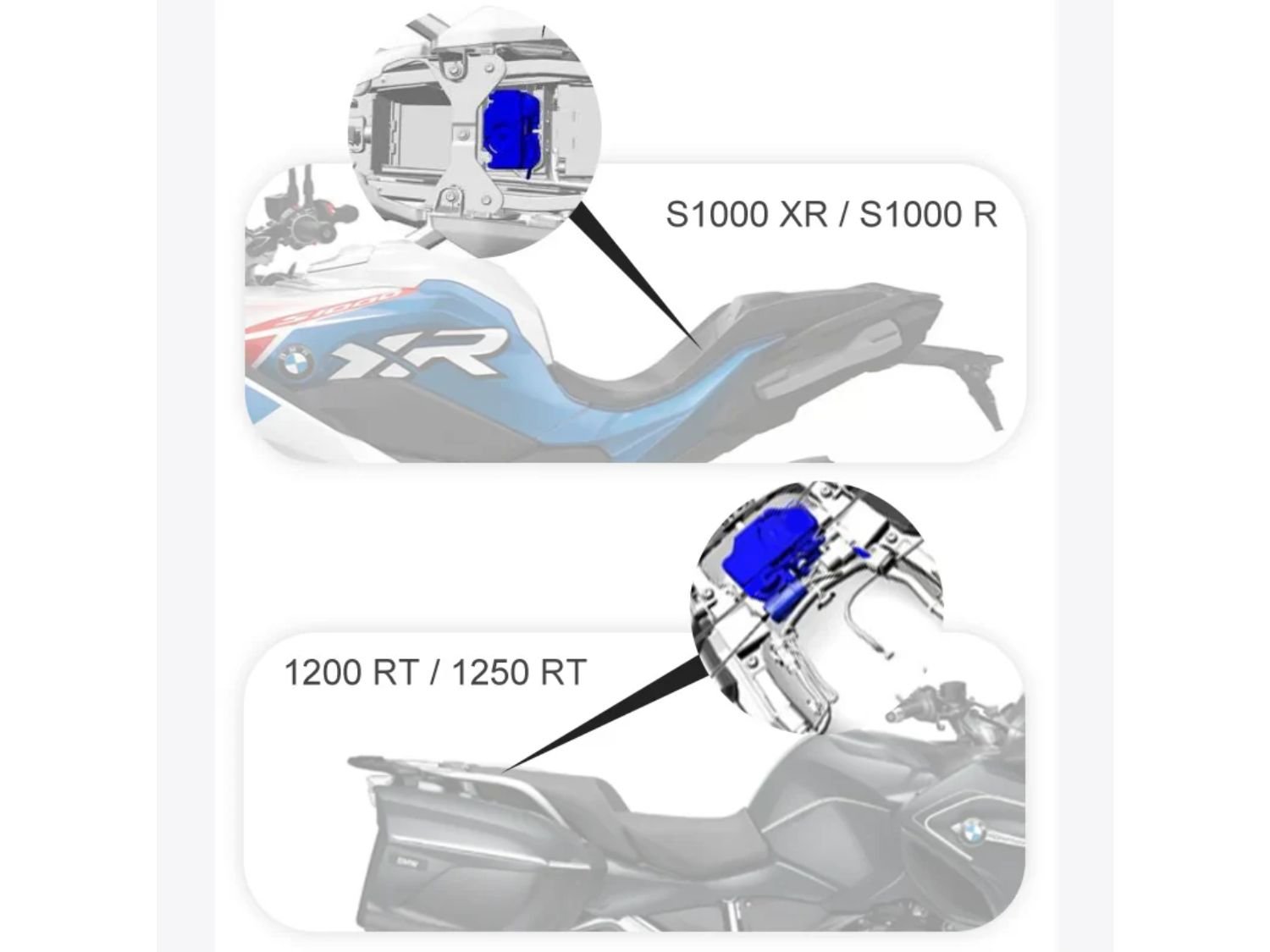
Chigee’s guides provide general recommendations, but they are for reference only. If, after checking your bike, you find that connecting via the DWA or RDC module offers easier access or a tidier setup, simply choose the connector that best suits your bike’s fitment. Or, just get in touch and check with us!

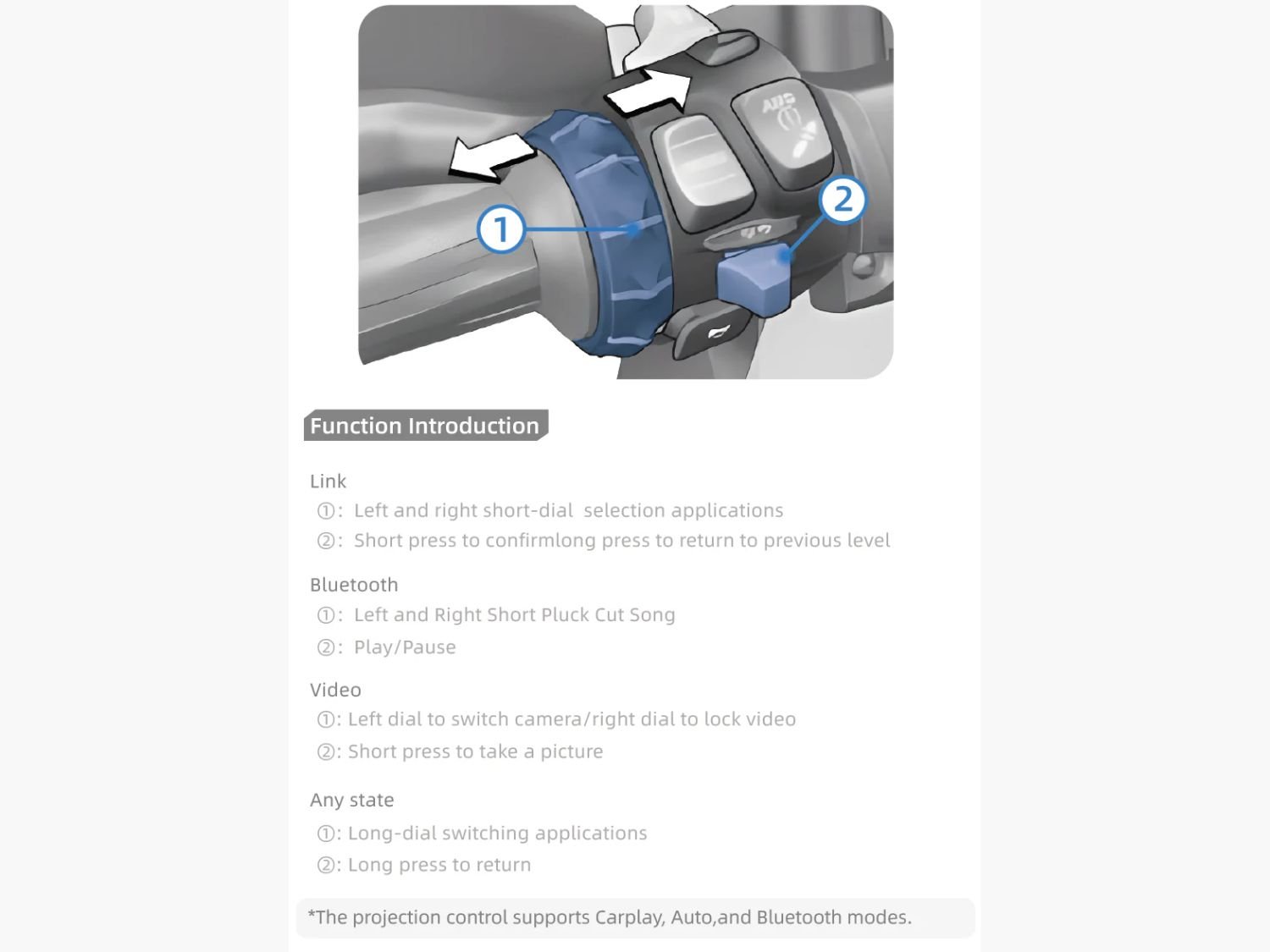
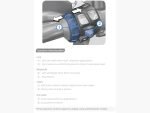
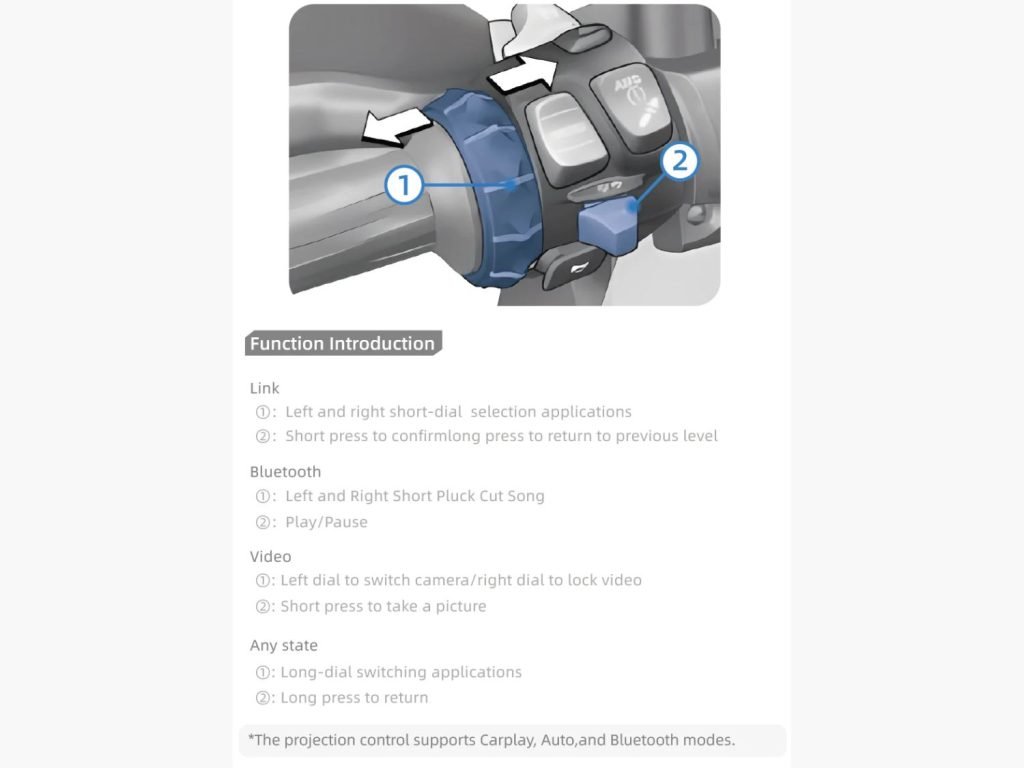
BMW Wonder Wheel controls for Chigee CGRC CAN module showing functions for mirroring, music, video, and app switching.

BMW Wonder Wheel Function Overview (with Chigee CGRC CAN)

  • App Control (Link Mode)

    • Turn the wheel left or right to scroll through applications.

    • Short press to confirm or long press to go back to the previous menu.
  • Bluetooth Music Control
    • Turn left or right to skip tracks.
    • Short press to play or pause your music.
  • Video & Camera Control
    • Turn the wheel left to switch cameras or right to lock video recording.
    • Short press to take a photo.
  • Universal Actions (Any Screen)
    • Long turn to switch between apps or screens.
    • Long press to return to the previous view.

Projection control supports Apple CarPlay, Android Auto and Bluetooth modes.

Which Chigee Control Module Do You Need?

ProductMain FunctionConnection TypeTypical Installation PointNotes
CGRC CAN (4-pin / 6-pin / 8-pin)Enables control of your Chigee AIO display using your BMW Wonder WheelConnects to the DWA (alarm) or RDC (tyre pressure) moduleUnder seat or rear side panel, depending on modelChoose pin type based on your bike:
• 4-pin = GS / GSA
• 8-pin = C, F, S, R, K Series
• 6-pin = R 1300 GS & R 1300 GSA
CGRC LIN (3-pin)Reads and transfers native BMW data such as speed, gear, and indicator status to the Chigee displayConnects to BMW’s 3-pin Navigation InterfaceRequires direct insertion into the 3-pin BMW navigation interfaceOften used together with a CGRC CAN or Remote Pro for full integration. Using this module will disable the BMW nav prep
CG Wireless Remote Control ProChigee-designed wireless remote for controlling your AIO-5 displayBluetooth connection (no wiring)Mounted near the handlebarsIdeal if your BMW doesn’t have a Wonder Wheel or if you prefer a separate controller
moto-mate top tip
In short:

The moto-mate quick tip

If your BMW already has a Wonder Wheel, start with the CGRC CAN.
If you want live bike data displayed on your Chigee system, add the CGRC LIN.
If you ride a model without a Wonder Wheel, choose the Remote Pro for full control.

Compatibility notes:

  • For RT and K Series with mechanical instruments (2011–2021 K1600 models, 2020 R1250 RT, 2016–2017 R1200 RT):
    The CGRC CAN allows simultaneous control, but only within the display’s Secondary Settings Interface. If you are fine with that, happy days! If not, hop over to Chigee’s Wireless Remote Control Pro, that should be what you’d be after.
  • For RT and K Series with TFT instruments (2021–2023 R1250 RT and 2022–2023 K1600/K1600B):
    Simultaneous control occurs across all interfaces of your BMW instrument cluster as well as the Chigee display, which is semi-ideal. Chigee therefore recommends using the CGRC PRO Remote instead for full compatibility.
  • For the BMW models S1000RR, M1000RR, S1000RRM 2018 and R1200RT: 
    Please choose the 4-pin version to install with your RDC.
  • For Liquid Cooled BMW R1250/1200 bikes with TPMS (RDC) use the 4-pin module.
  • For BMW K Series, F Series and S Series with the DWA module (Alarm) use the 8-pin module.
  • For BMW R1300GS and R1300GSA use the 6-pin module and insert it into the DWA module (A263*1B). If you prefer to keep the BMW Navigator and don’t want to connect the Chigee CGRC LIN (Linking, which will disable the BMW nav prep!) to the 3-pin navigation interface, this 6-Pin option will be the ideal choice for you.

The Wonderwheel Control Unit is perfect for riders who use the Chigee AIO display, prefer a factory-style integration and want to make the most of their existing BMW controls without adding more buttons or wiring.

Not sure which module your bike needs? moto-mate is an experienced Chigee installer and knows how to integrate Chigee. Get in touch and we’ll help you choose the right setup for your beamer.

Additional information
Brand
Connector4Pin – RDC Module: BMW GS/GSA Models, 6Pin – DWA Module: BMW R1300GS, 8Pin – DWA Module: BMW C/F/S/R/K Models